
Cozy Repair APK Download Latest Version for Android
- Android 8.0 +
- Version: 1.0.79
- 250.9 MB
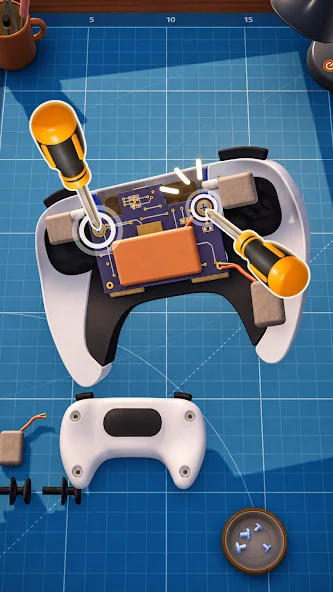
Turn a broken gadget into a working device with Cozy Repair APK, a free download for Android that puts you at the workbench of a repair shop. Pick a customer’s device, open its case, and find the part that needs attention.
Developed by Think Different FC., Cozy Repair is a relaxed simulation about cleaning, fixing, and testing electronics. From old phones to home appliances, each job gives you another object to bring back to life.
Cozy Repair Gameplay: From Customer Queue to Finished Fix
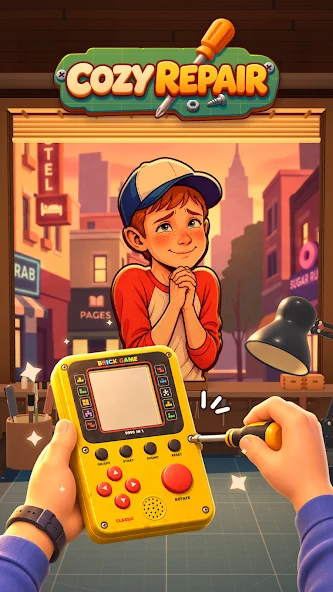
Each job starts with a broken device in the customer queue. Once you pick one, unscrew its case and clean away the dust and grime to get at the problem. Find the faulty part, then swap, solder, or reconnect it as needed.
After the repair, close the device, test it, and return it to its owner. The process takes you from a dirty, damaged gadget to a restored one, with each step giving you a part in the transformation.
Tools and Devices in the Cozy Repair Game
The workshop combines hands-on repair tasks with a relaxed pace. Different devices give you new things to open and restore, while upgrades give you access to more demanding work.
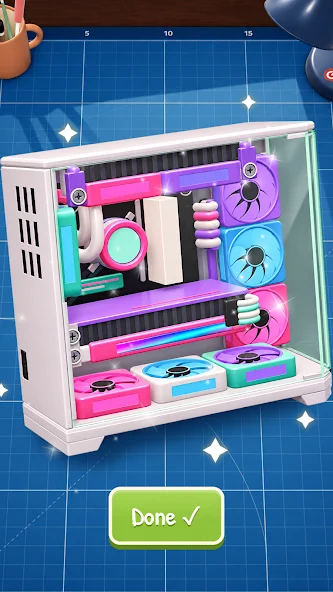
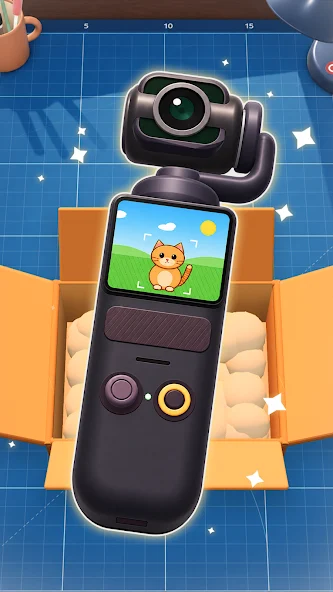
- Device variety: Restore old phones, retro TVs, radios, consoles, and home appliances.
- One-touch controls: Work through repairs at your own pace.
- ASMR sounds: Hear screws, clicks, sparks, and soft cleaning as you work.
- Workshop upgrades: Unlock better tools and take on bigger jobs.
A Relaxed Repair Workshop on Android
Cozy Repair for Android centers on the small actions involved in bringing electronics back to life. Cleaning a grimy case, reconnecting a component, and testing the finished device are all part of the same job.
The game’s quiet workshop atmosphere makes it a fit for players who enjoy restoration videos or want a calm simulation. There is always another device waiting in the customer queue when you are ready to start again.
Frequently Asked Questions
-
How do I install APK and XAPK files?
For setup instructions and help with common installation issues, see our APK and XAPK installation FAQ.How can I update the game or app and keep my data?
Android can install an update over the existing app if the package name and signing certificate match. Back up your data before updating when the app supports backups.








Comments
No comments yet. Be the first to comment!